Start by managing transitions, not just tasks
Packed days rarely fail because there are too many tasks in theory. They fail because the transitions are too expensive. A meeting ends late, the next item needs prep, and the day turns into catch-up mode. Good time management protects the space between commitments.
Use three layers of time, not one giant plan
The easiest structure is to think in layers: deep work, coordination, and recovery. Deep work needs uninterrupted space. Coordination includes meetings, replies, and active collaboration. Recovery is the short breathing room that keeps those other two layers from crashing into each other.
Batch decisions that create the same kind of mental load
Context switching is often harder than the task itself. Group similar calendar decisions together: meeting prep, schedule cleanup, inbox replies, and rescheduling. This reduces the mental startup cost that repeats when you bounce between different modes of work.
Protect one anchor block each day
On chaotic weeks, a perfectly protected calendar is unrealistic. One anchor block is more durable. Pick the most important uninterrupted window, defend it first, and let the rest of the day stay flexible around it.
Review the next event before starting a new task
A fast schedule check can save you from starting work you cannot finish. Before opening something complex, check what starts next and how soon it begins. That single habit improves the quality of both your focus and your handoffs.
Leave visible space around meeting clusters
If a day already contains two or three closely packed calls, do not add more invisible work around them. Leave room for notes, recovery, and inevitable drift. The calendar should reflect the real cost of the cluster, not just the official start and end times.
How Schedule Calendar supports this workflow
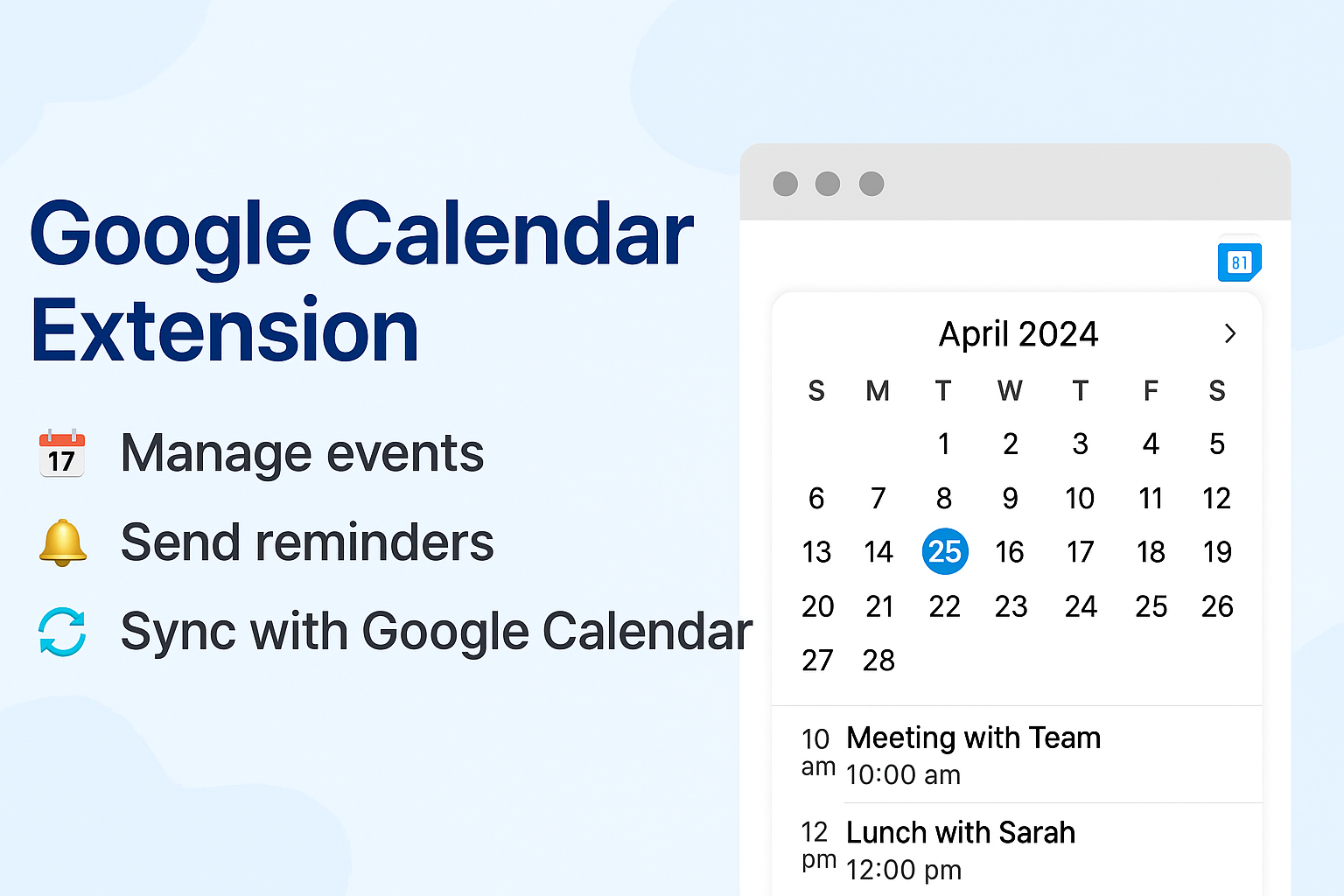
Schedule Calendar helps because it makes the next few hours easy to read. Users can scan the timeline, see urgency with the time chip, and decide whether to stay focused, prepare for the next meeting, or open the full Google Calendar view for bigger changes.