The idea, stated once
A to-do list says what; a time block says when — and "when" is the honest question, because a day holds six workable hours no matter how long the list is. Blocking converts intentions into appointments with yourself, which forces the budget math ("these three things don’t fit") while the math is still cheap to act on.
First setup (30 minutes, once)
- Settings pass (10 min): Speedy meetings on, default duration 25, working hours set (Settings → Event settings / Working hours). These make the grid tell the truth before you draw on it.
- Map the fixed layer (5 min): meetings, standing commitments, real edges (pickup, gym). This is the terrain; blocks fill what remains.
- Place the first week’s blocks (15 min): two production blocks per day maximum, 90 minutes each, in your best energy hours; one 30–45 minute shallow batch in the trough; buffers after the worst meeting clusters. Mark everything Busy. Total scheduled density: 60–70% of the day — the remaining white space is the shock absorber, not waste.
Block anatomy in Google Calendar
Each production block: titled by output ("Draft pricing §1–2" — never "Deep work"), colored consistently (one color meaning "focus" beats six meaning nothing), no notification at start (you planned it) but 10 minutes before whatever follows, and the next session’s instruction written into the description at the previous session’s end. On Workspace, use the Focus time event type for the auto-decline superpower; on personal accounts, plain Busy events plus manual declines do the same job slower.
The weekly operating loop
Blocking is not a launch, it is a loop with three beats. Friday (15 min): place next week’s blocks against the real meeting terrain — two rocks get the best slots, fictions get deleted, seams get buffers. Daily (5 min, evening): close today — unfinished block work returns to the task list (never auto-rolls forward), tomorrow’s first block gets its instruction. In the moment: when a block collides with reality, it moves visibly to the day’s next honest slot — or dies honestly back to the list. The one forbidden move is the silent zombie block that sits ignored while you work around it; every zombie teaches you to distrust your own grid.
Calibration: the two-week data pass
Most quitters quit at the estimation wall — blocks burst, cascade, and the system feels like lying. The fix is data you already generate: for two weeks, after each block, jot actual-vs-planned in the event description (30 seconds). Then adjust: chronic 130% tasks get +25% sizing permanently (creative and dependent work usually needs +50%), chronic under-runs shrink, and the block sizes stop being aspirations. Calibrated blocking feels different in the hand — days end on time, and the calendar regains authority because it stopped fibbing.
Common failure → specific fix
Blocks ignored by colleagues → they’re marked Free or untitled (visibility, then defense). Blocks ignored by you → outputs named too vaguely, or density over 80% made the plan fiction. Constant re-planning → resolution too fine; nothing under 30 minutes gets scheduled. Fell off entirely last month → restart at the minimum (one block, three days a week) and rebuild on hold-rate, not ambition.
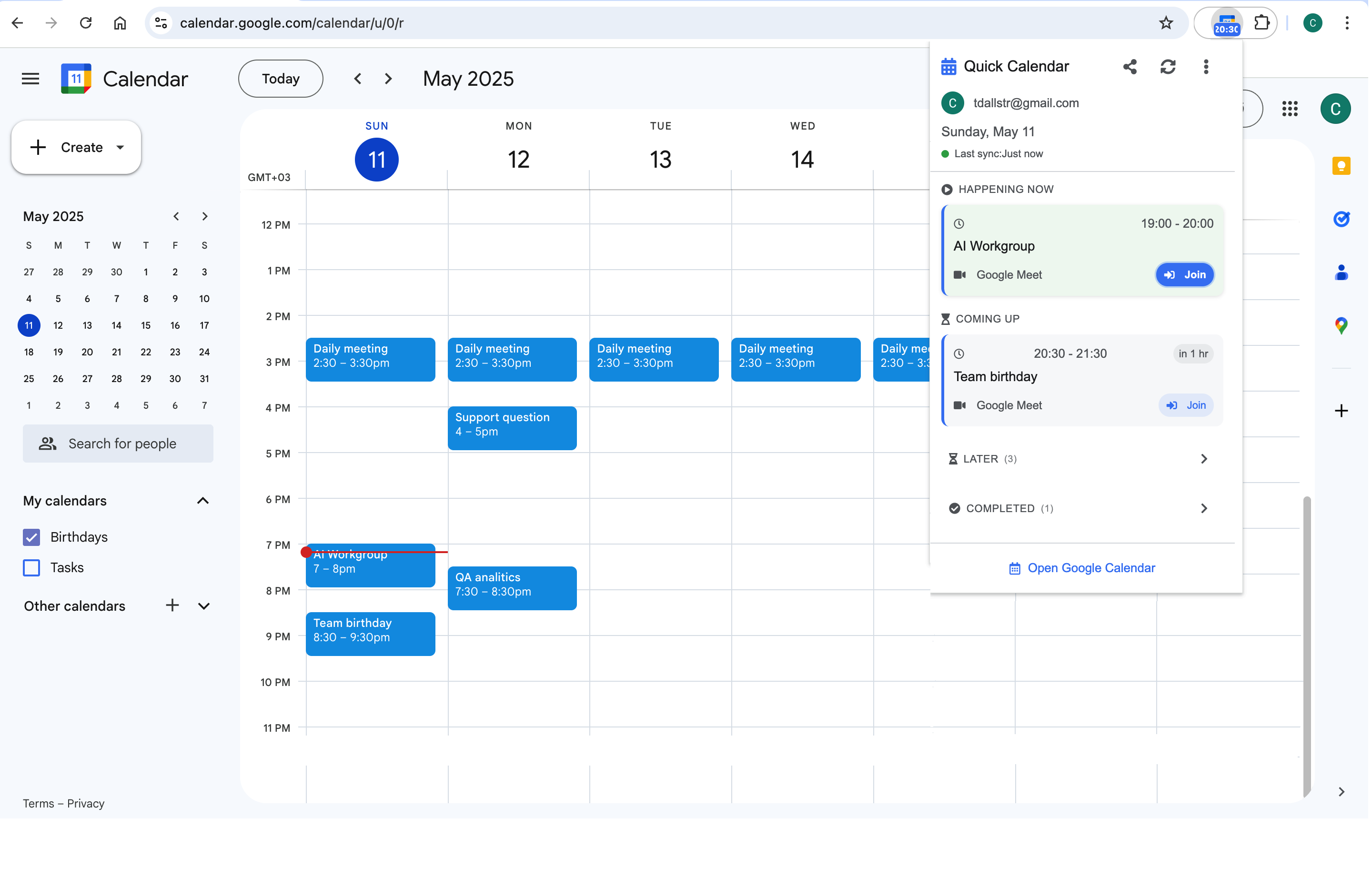
The operating loop runs on glances: tonight’s close, tomorrow’s shape, minutes left in the current block. A toolbar timeline like Calendar Extension for Google Calendar™ keeps all three one click away — which, thirty times a day, is the difference between a system you run and a tab you babysit.
Frequently asked questions
They are the fixed layer, not the blocking — but treat their edges with block discipline: buffers after clusters, no accepting into your two daily production slots, and the shrink-by-default reflex on your own invites. Blocking fails fastest on calendars where the meeting layer was never stabilized first.
Events — they occupy grid space, participate in find-a-time, and carry Busy status; Tasks float and block nothing. The productive pairing: Tasks hold the list, and the chosen few get dragged into event-shaped time each evening. The drag is the prioritization.
Blocks live on the calendar whose hours they occupy; the discipline is the merged view — subscribe each side to the other’s free/busy so placement respects the whole life. The classic failure is beautiful work-blocks drawn over an invisible school run.
One color, yes: "focus = Basil" makes week-view density legible at a squint and takes zero upkeep. A six-color block taxonomy is overplanning in costume — the calibration notes in descriptions carry more information than any palette.