The three determining questions
1. Where does your work coordination live? If colleagues schedule you via Google Workspace — find-a-time, shared calendars, Meet links — Google Calendar is effectively mandatory for work, and the question shrinks to what runs your personal life. 2. How Apple-complete is your device life? iPhone + Mac + Watch households get Apple Calendar’s best arguments (widgets, lock screen, Watch complications, Siri) at zero effort. 3. Do you schedule from a browser or from apps? Browser-first people fight Apple Calendar daily (its web story is thin); app-first people find Google’s native macOS absence equally annoying.
The honest table
Sharing and coordination: Google decisively — granular permission tiers, org-wide free/busy, appointment booking pages, find-a-time. Apple’s sharing works for families and stops there. Cross-platform reach: Google — full web app, Android, and Apple devices (via account sync); Apple Calendar on Windows/Android is a workaround collection. Device integration: Apple — the Watch face, lock-screen widgets, StandBy, Siri ("move my 3pm") are genuinely better than Google’s equivalents on Apple hardware. Privacy posture: Apple — calendar data end-to-end encryptable with Advanced Data Protection; Google’s model is server-side with strong security but advertising-company adjacency some people reasonably decline. Automation and defense: Google — auto-declining focus/OOO events, speedy meetings, working hours warnings; Apple has travel time and little else defensive. Natural input: Apple’s parser ("Lunch with Sam Friday 1pm") remains slightly better than Google’s web quick-add; both lose to Fantastical.
The hybrid that mixed lives actually run
The common real-world answer is both, partitioned: Google Calendar as the system of record (work + anything shared or coordinated), Apple Calendar as a rendering layer on Apple devices — add the Google account in iOS/macOS Settings and Apple’s app displays Google events natively, Watch included. Two disciplines keep the hybrid sane: create events in one designated place (creation-side ambiguity is where duplicates breed), and check the Google-account sync toggle when events "disappear" (it is almost always the culprit). The reverse hybrid — Apple as record, Google as renderer — fights Workspace coordination weekly and is rarely worth it.
Switching costs, measured honestly
Apple→Google: export .ics per calendar, import — smooth; the loss is device-integration depth. Google→Apple: same mechanics, but shared-calendar relationships and booking pages don’t port — the loss is coordination infrastructure, which is why work-coordinated people rarely complete this direction. Either way, the migration itself is an afternoon; the ecosystem realignment is the real cost.
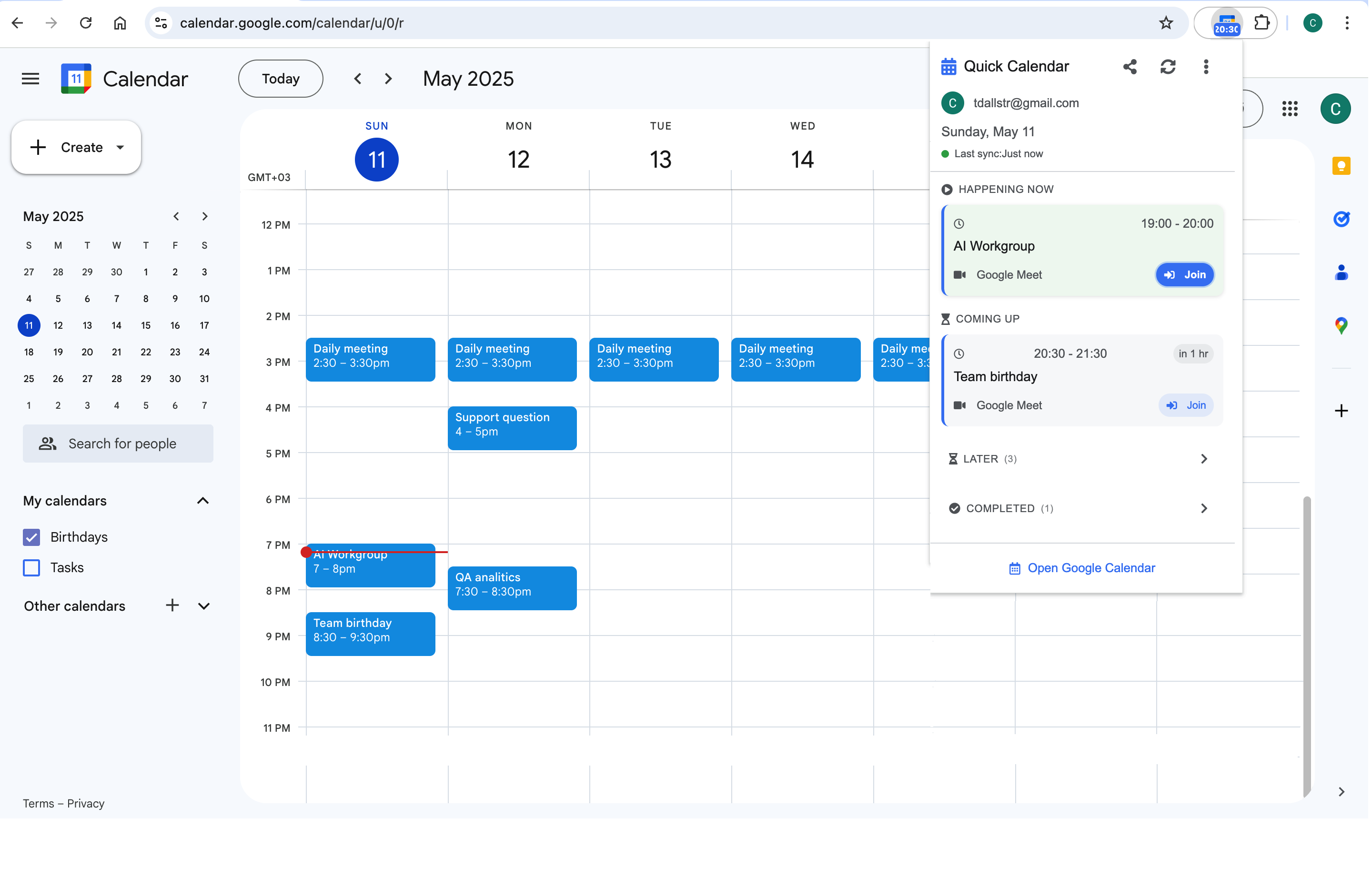
For the Google-record hybrid on a Mac, the browser side still wants a glance layer: Calendar Extension for Google Calendar™ puts the day strip and join buttons one click into Chrome — covering the "quick look without opening anything heavy" job that Apple users solve with widgets, for the hours you live in the browser instead.
Frequently asked questions
Core flows, yes: invites accept/decline, events sync both ways, and shared calendars appear once enabled at calendar.google.com/syncselect (the step everyone misses). What never arrives: Google-side booking pages, Focus/OOO auto-decline behavior, per-event Google colors, and find-a-time. Coordination-heavy users feel those gaps weekly.
All-Apple households: Apple’s Family calendar plus device presence is the smoother path. Mixed-device families: a shared Google calendar rendered on everyone’s native app is the least-friction architecture — Google’s sharing crosses platforms; Apple’s doesn’t reach Android at all.
They mirror the calendars: Apple Reminders integrates deeply on-device; Google Tasks lives in the calendar’s side panel and drags onto the grid. Neither is strong enough to override the three determining questions — pick the calendar first, accept its tasks sibling.
It is real (ADP end-to-end encryption covers calendars) and mostly matters at the margins: threat-model-conscious individuals, sensitive professions. For Workspace-coordinated work calendars the point is moot — that data lives in Google by employment reality — which is another argument for the partitioned hybrid: personal-sensitive on Apple, coordinated on Google.